The Lookbook Problem: Great Pieces, Not-So-Great Photos
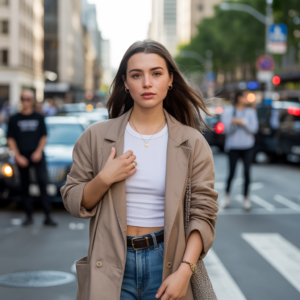
Do you have a fantastic look but haven’t got anywhere decent to photograph it? Well, join the club. Your jacket’s up against the bedroom wall, your trainers are on a messy floor, and your handbag’s sitting on a cluttered desk. The pieces look fabulous, but the photos?
Not so much.
A wonderful lookbook is cohesive. You want the reader to feel as if everything in the lookbook is of the same collection despite the images being taken in different places. Professional studio lighting and camera aren’t always available (or necessary) and occasionally all you need is to cut out a bad background.
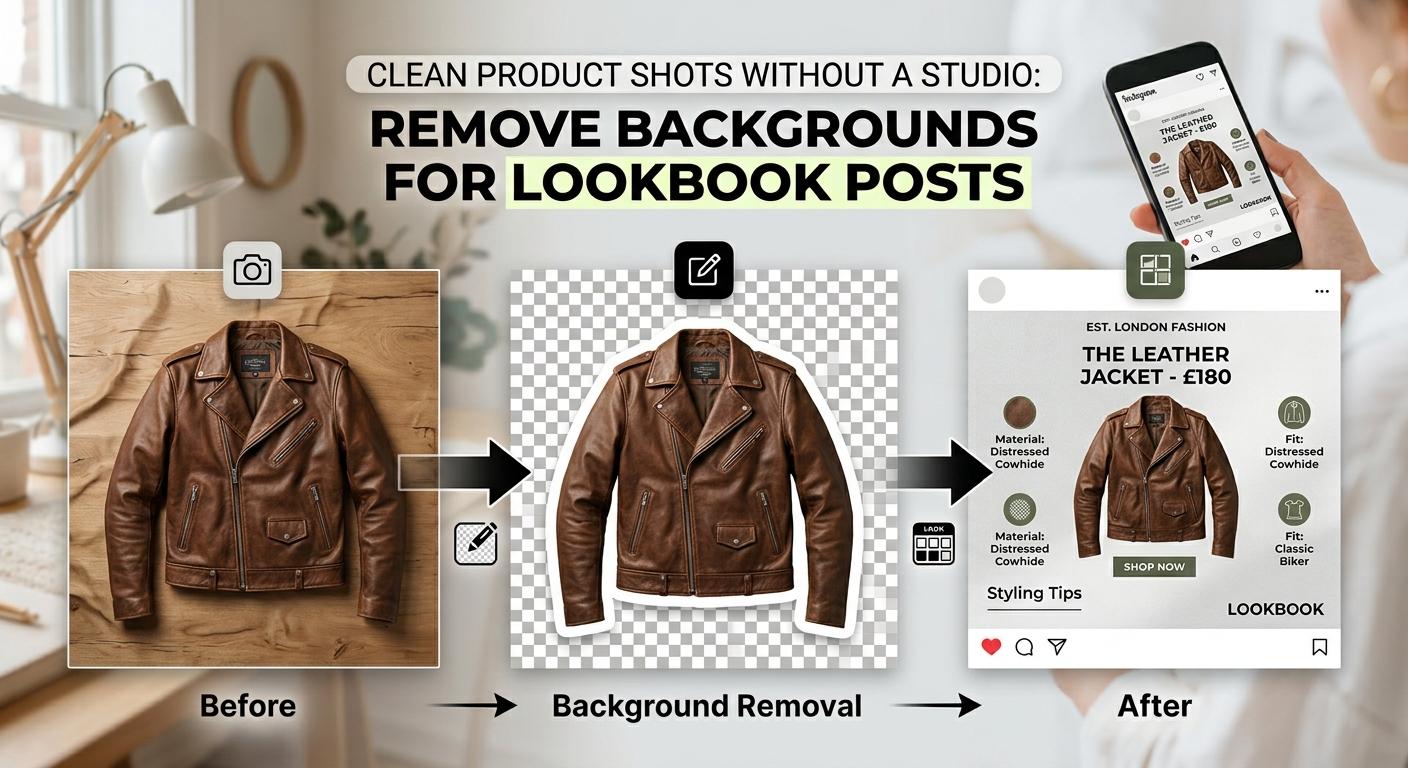
In this guide, we’ll show you how to turn everyday product photos into clean, stylish lookbook posts without setting up a studio.
Before Editing, Give the Lookbook a Point of View
Keep in mind how you want your lookbook to feel before background removal. Brainstorming a bit in advance will save you from having a mismatched list of images.
Choose the Mood Before You Choose the Background
Want to go clean & classy or bold & edgy? Your lookbook’s mood will show the way to the perfect background choices. Here are a few styles you might like:
- Clean, minimalist neutrals: A white or grey background creates the look of a contemporary, minimal space.
- Streetwear: Dark black or grey as background colors that contrast with the white of the shoes and casual clothes.
- Vintage look: Brown, cream, and sepia colors for a vintage and nostalgic look.
You should go for a simple color palette of only the colors that work together best. Two or three colors will be the maximum to keep everything in harmony yet leave the product in focus.
Choose Photos That Can Survive a Clean Cutout
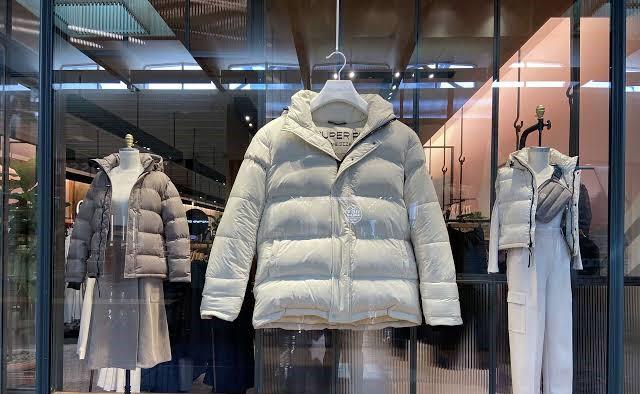
Some photos just won’t work as good base images. Look for pictures in which the product is clearly displayed and is reasonably exposed while still being separated from nearby objects or things around it.
When working with dark jackets in dark walls, blurry sneakers, tied handbag straps, or any clothes coming together, these are the situations that could cause problems with background removal.
The First Edit: Turn a Distracting Photo into a Product Shot
Use Designkit to Remove the Background
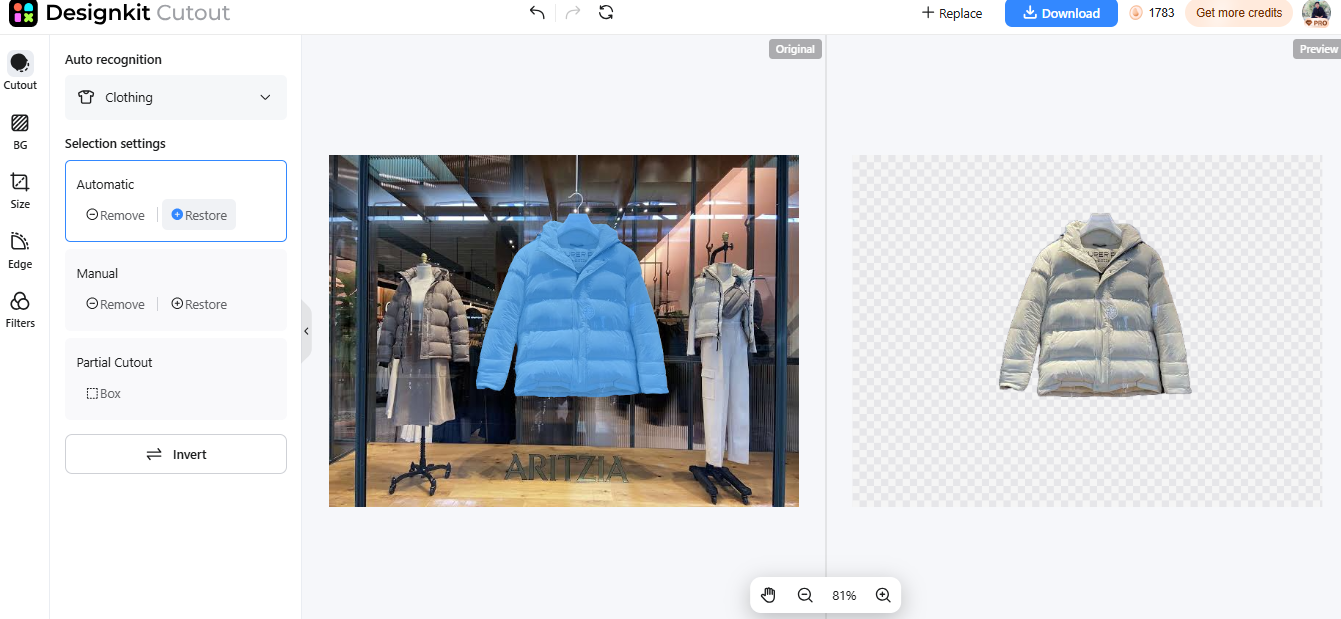
Love the jacket. Not the pile of laundry in the background! If you don’t want to spend the next couple of hours editing out items in the background of your images, use Designkit. The AI Background Remover tool is free to use and removes jackets, sneakers, handbags and accessories from cluttered backgrounds in seconds. No Photoshop or tracing required!
What makes Designkit stand out for lookbook creators is the fact that it is capable of more than just removing backgrounds. You can refine images, supply each image with a similar backdrop, and optimize images for social media all without having to leave the app.
Here are its key features:
- One-click background removal: Automatically detects products and removes distracting backgrounds while preserving fine details, edges, and textures.
- Batch background removal: Upload up to 15 photos at once. Great for cleaning up an entire outfit collection.
- Custom backgrounds: Keep cutouts transparent, choose white or solid colors, or replace the background with a different scene.
- Lifestyle Photo Generator: Place products in realistic lifestyle settings for more creative lookbook posts.
- Social media resizing: Use presets for Instagram, TikTok, Facebook, Pinterest, and other platforms, or choose custom dimensions.
- 100 free exports daily: Preview cutouts without signing up, then sign in to export up to 100 full-size images per day.
Designkit supports JPG, PNG, and WebP images and works directly in your browser.
Inspect the Details Before Calling It Finished
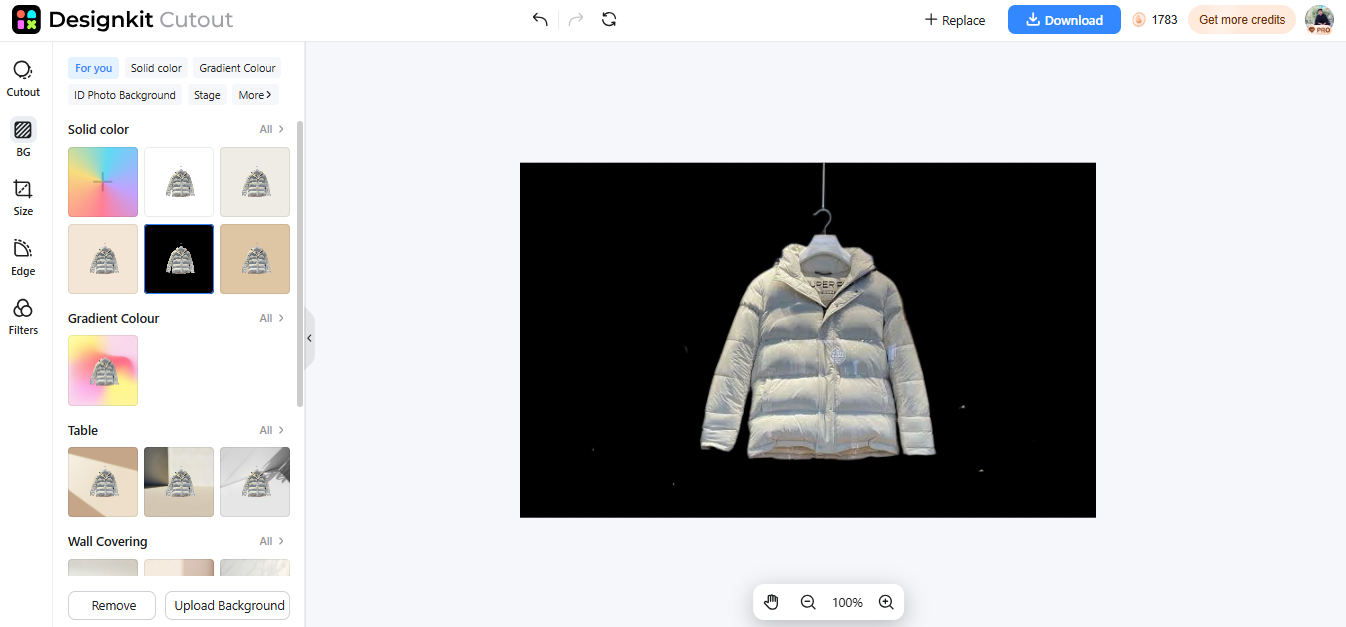
No background? Cool. But hold off on uploading that image just yet. Then take a closer look. Focus on the tiny holes. Think about the stray strands on the coat, the shoelaces, the strap of the handbag, the wrappings of the jewelry – is everything perfect?
Look for any leftover background patches, detailing, or shadows around objects. While Designkit keeps a clean item edge, more intricate and delicate items such as chains and sheer or pleated fabric are worth checking for closely. A quick and easy check will guarantee that your lookbook will always pop even when zoomed in.
One Collection, Three Different Styles
One jacket, three styles. All in one photoshoot! With Designkit we can take out the background from one jacket and then reuse the same cutout to generate multiple lookbook posts with ease. The cool thing is that Designkit allows us to swap out the background for plain colors or brand colors.
Minimalist Catalog Look
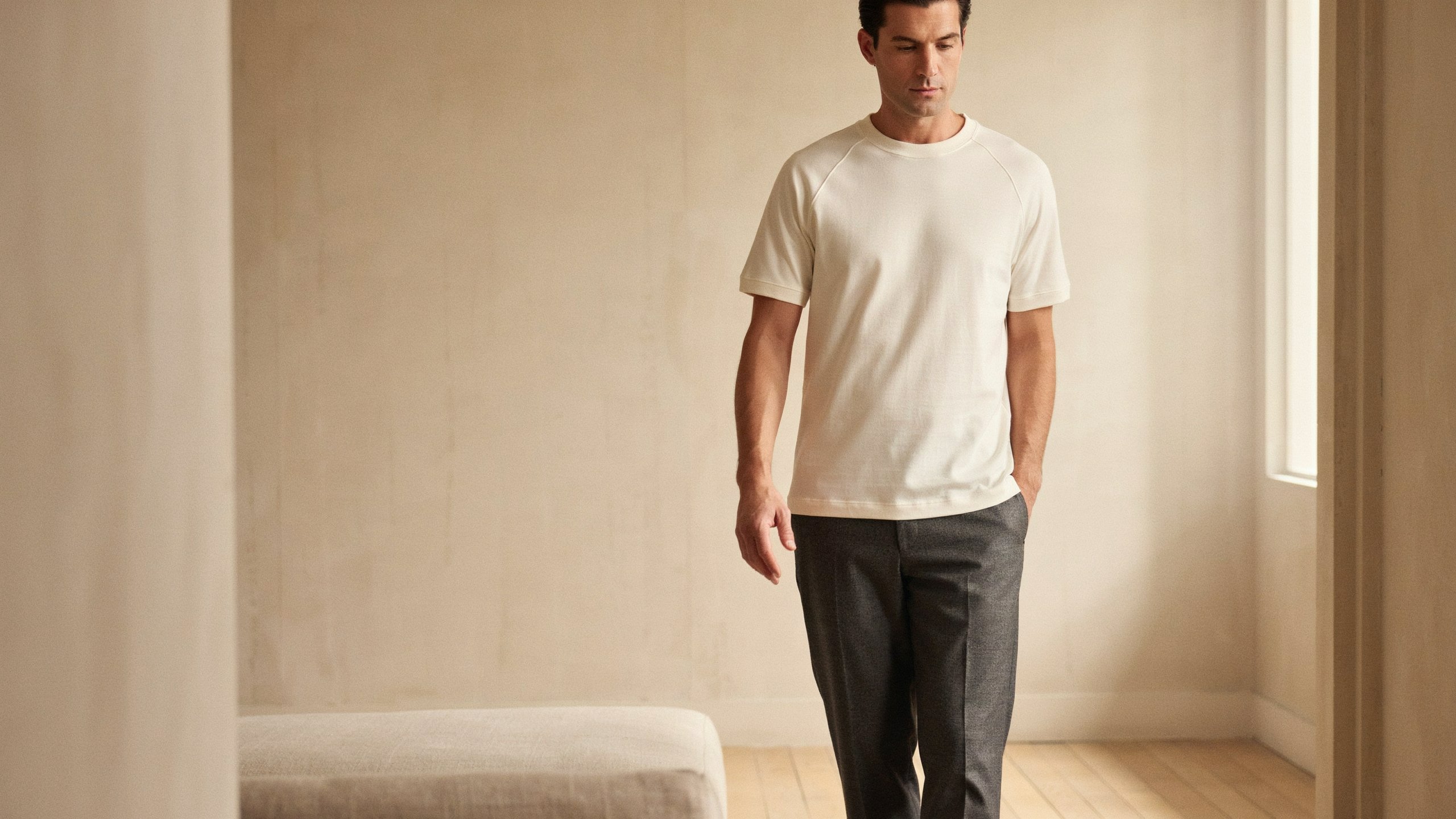
If we want a clean and simple appearance, we can put the jacket on a white, cream or light gray background. It is simple and allows us to see the jacket’s color, stitches and design without distraction.
Street-Style Edit
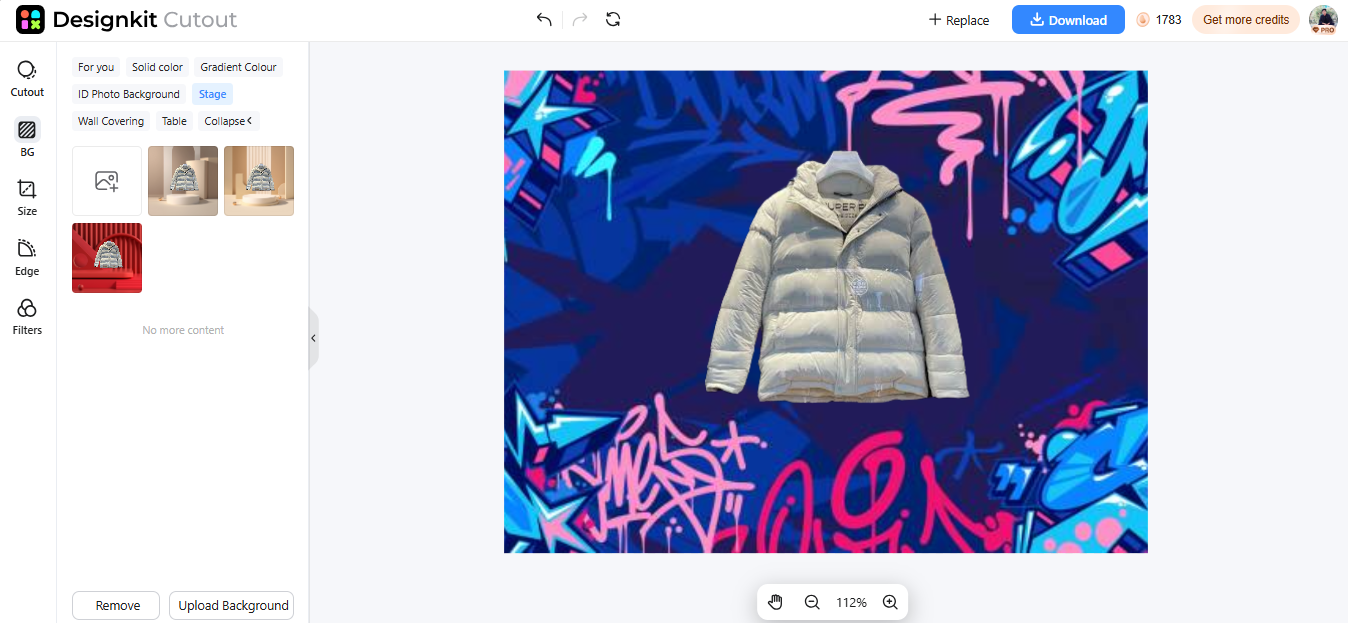
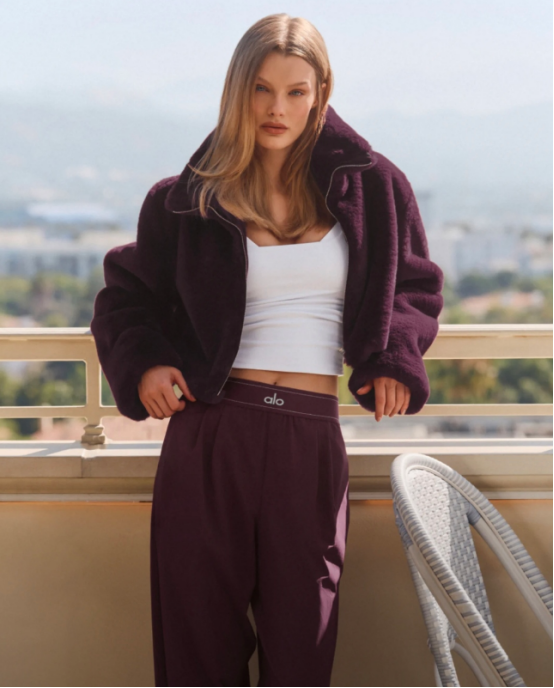
Need the jacket to pop a little more? Use a darker color for the background such as black, blue or burgundy. Contrasting backgrounds will add some pop to the jacket and have a street wear influence on your posts.
The Seasonal Lookbook
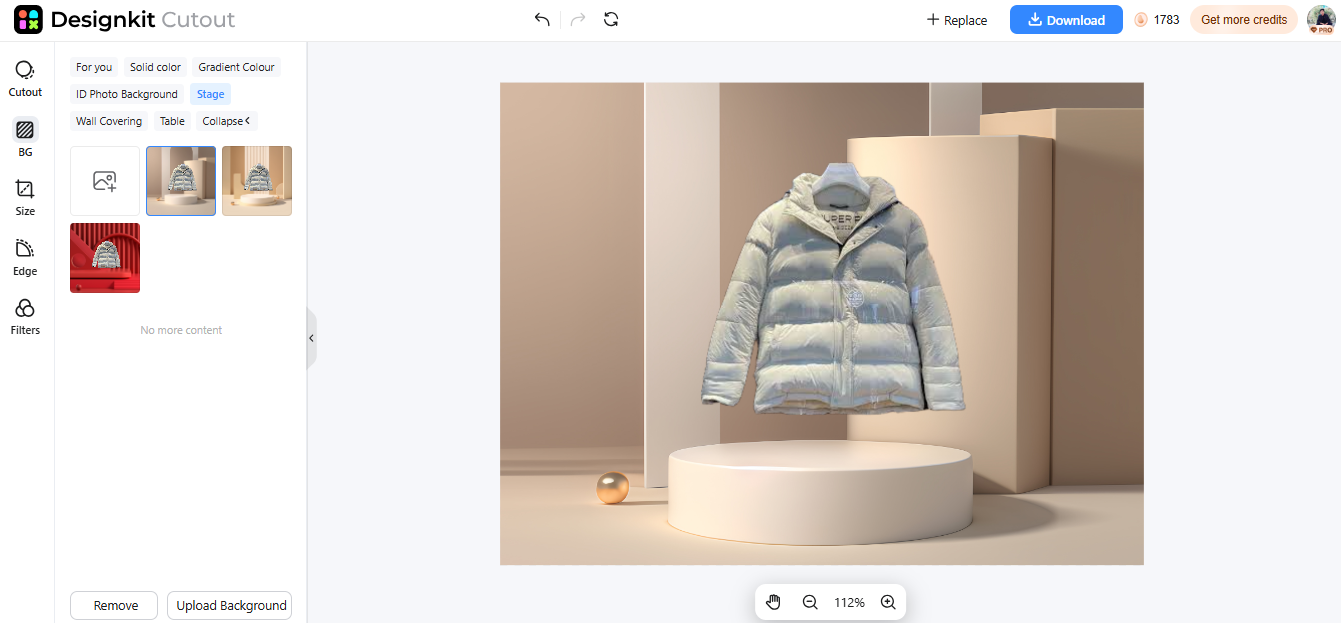
We can also refresh the same jacket with a seasonal change of background. Consider warm brown, beige or rust for autumn. For winter consider cool grey, icy blue or soft white.
Build the Page, Not Just the Picture
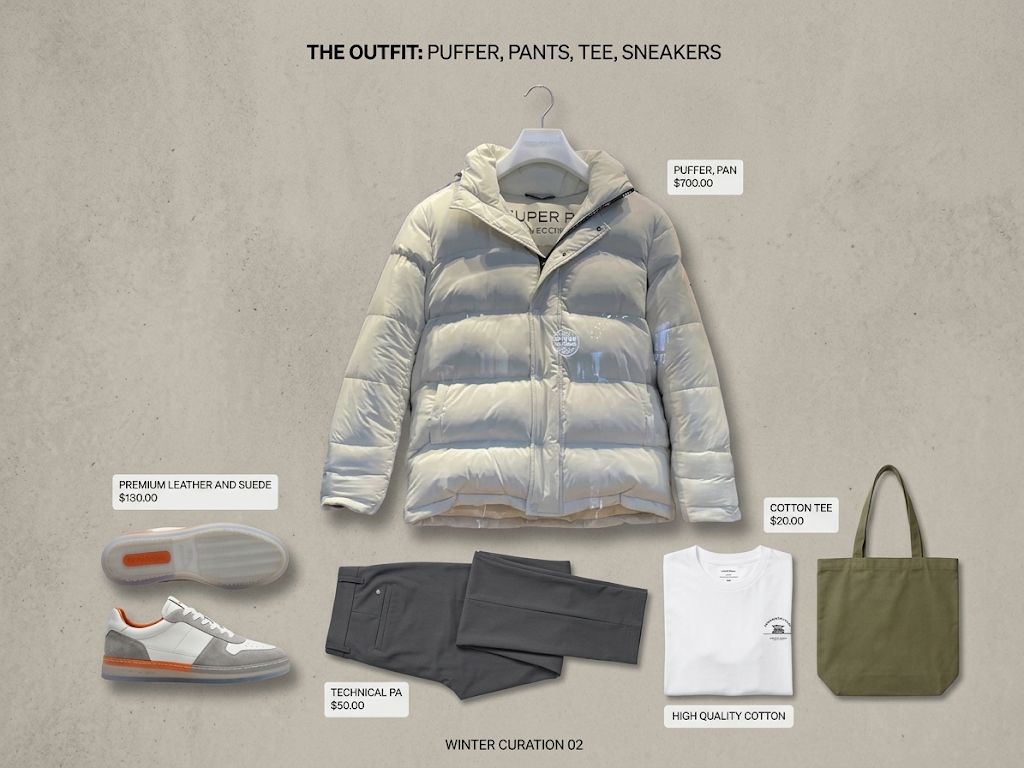
Just three to four clean product shots don’t make a perfect lookbook. The order of the images is just as important.
Maintain the same background colors, spacing, and size of the images. For example, all items could be cream/beige, with the rest of the accessories having an identical neutral color.
Conclusion
Who needs a fancy studio to pull off a chic look book? Sometimes, all you need is some great product photography, simple background, and a uniform visual style.
Using Designkit’s free AI Background Remover, you can instantly transform ordinary images of shoes, jackets, handbags, and accessories into professional product photographs. Try out solid colors or your own background images to define a distinctive style for each collection.